Book Manager
A downloadable Book Manager for Windows
Book Manager
A clean, offline desktop app for organizing your personal library
Book Manager is a professional desktop application that helps you catalog, manage, and back up your entire book collection with ease. Whether you’re tracking a small shelf or thousands of books, it’s built to stay fast, organized, and completely offline.
No accounts. No cloud. Your data stays on your machine.
Features:
Book Management
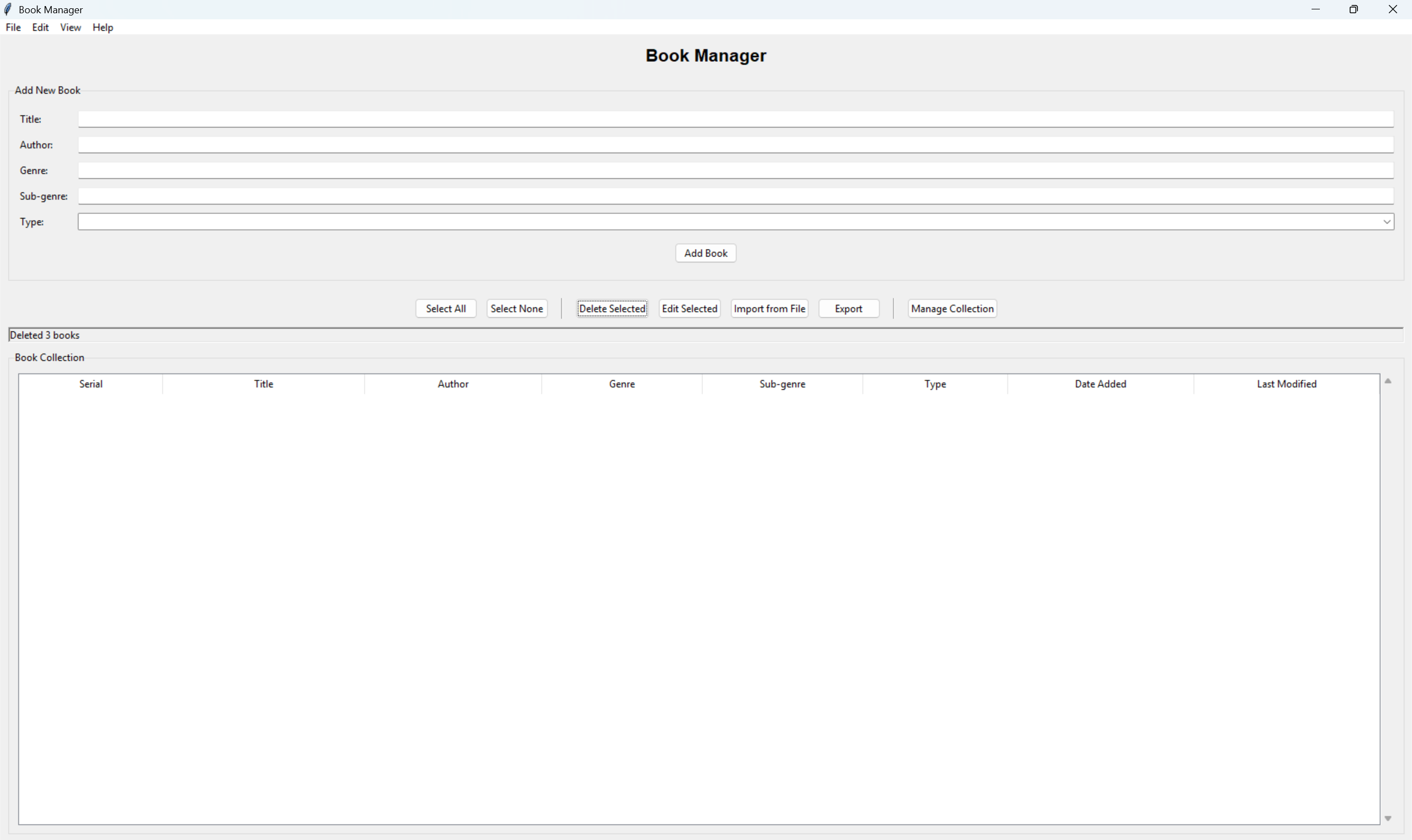
-Add books with Title, Author, Genre, Sub-genre, and Type
-Edit or delete single books or entire selections
-Automatic serial numbers (BK001, BK002, etc.)
-Tracks Date Added and Last Modified
Import & Export
-Import from Excel (.xlsx / .xls) or CSV
-Visual column mapping with preview before importing
-Smart duplicate detection (Title + Author)
-Export your collection to Excel or text files
-Perfect for backups and sharing
Two-View Workflow
-Main View – quick entry and everyday management
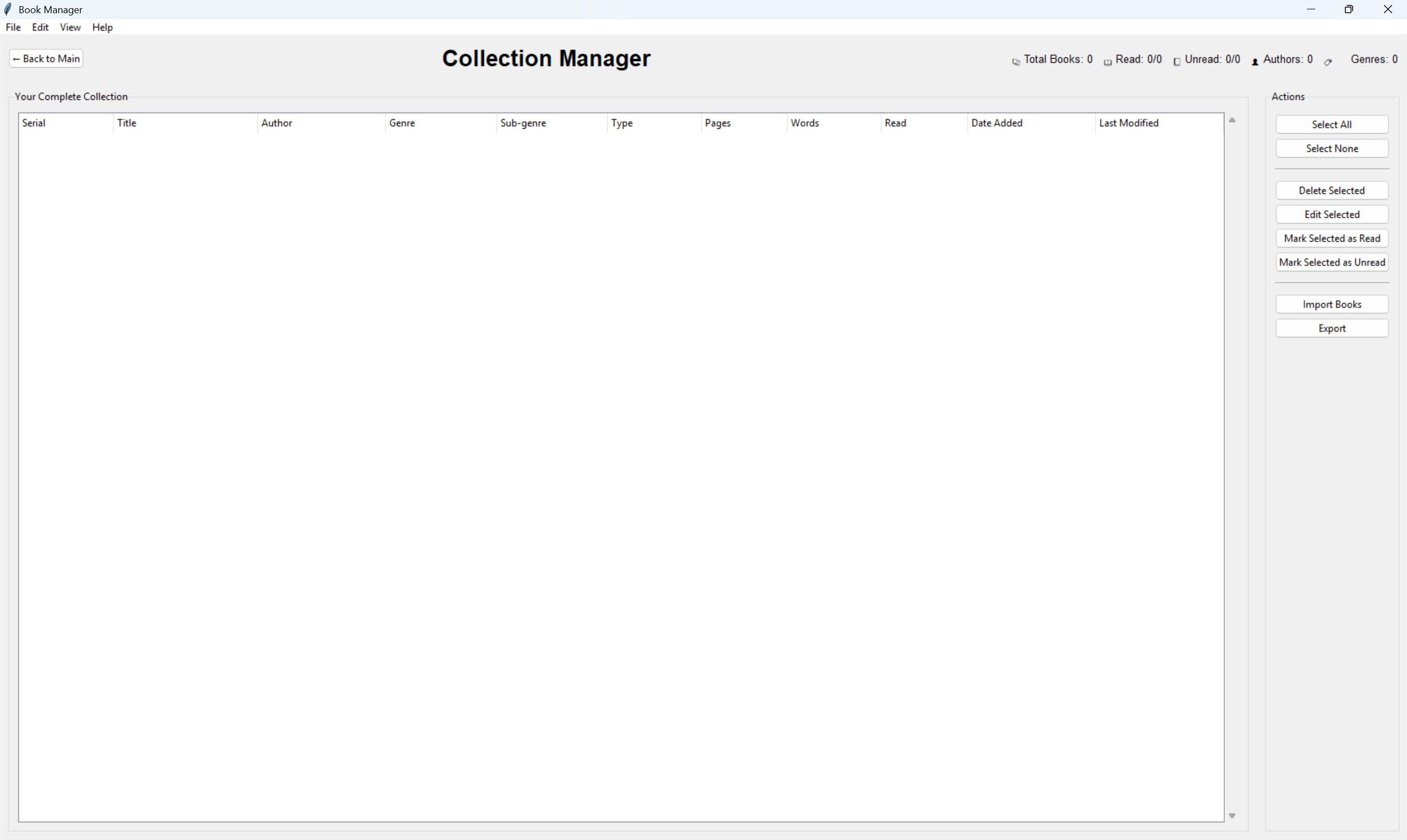
-Collection Manager – advanced tools and full-library overview
Seamless switching between views with keyboard shortcuts
Safe & Offline
-Automatic saving after every change
-Data stored locally in Documents/BookManager/Data/
-No internet connection required
-Fully portable and easy to back up
Keyboard-Friendly
-Designed for speed if you prefer the keyboard:
-Import, export, save, navigate, and manage selections with shortcuts
-Ideal for power users and large collections
Platform
-Windows 10+
-Works completely offline
-Python runtime included
What This Is (and Isn’t)
✔ A personal library manager
✔ A data-focused, productivity-first tool
✖ Not a reading app
✖ Not DRM or store-integrated
Perfect For
-Personal book collectors
-Writers tracking reference libraries
-Home libraries & inventories
-Anyone who wants control over their own data
Download
Install instructions
Unzip the file, then run the batch file called LaunchBookManager, and it will open a console and shortly open the application. After you do it the first time, you can find the BookManager application file that you can save to your desktop.
Development log
- Update 1.3Feb 01, 2026
Leave a comment
Log in with itch.io to leave a comment.